Connect Jira Server & Data Center with Qase

Link test cases, test runs, and defects between Qase and Jira’s self-hosted platforms for unified test management and development workflows.

Start 14 Day Trial
Get a Demo
No Credit Card Required
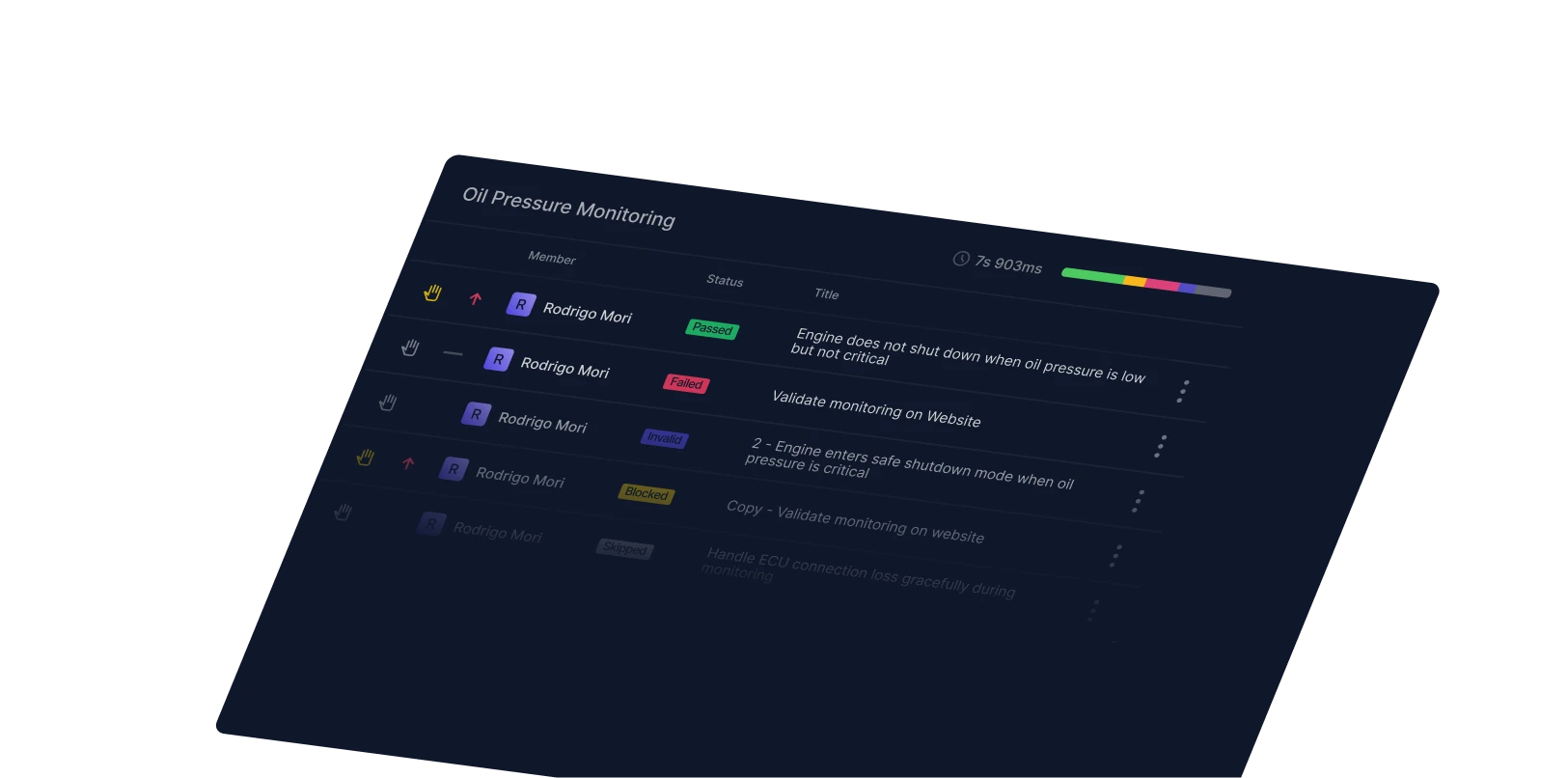
Qase Screenshot: Projects Page
Trusted by industry-leading companies
Suse LogoRakuten LogoAsana logoSeat Geek LogoWolt LogoBitly LogoElgato LogoCrypto.com Logo
Qase Screenshot - Control System

Extend QA traceability into your on-prem ecosystem

Qase’s Jira Server/Data Center plugin brings two-way connectivity to teams running Jira on-premises. Whether you’re managing issues or tracking defects, this integration keeps QA artifacts synchronized and visible across both systems, letting your teams work with confidence.
What the Integration Does for You

  • Two-way linking for core QA artifacts
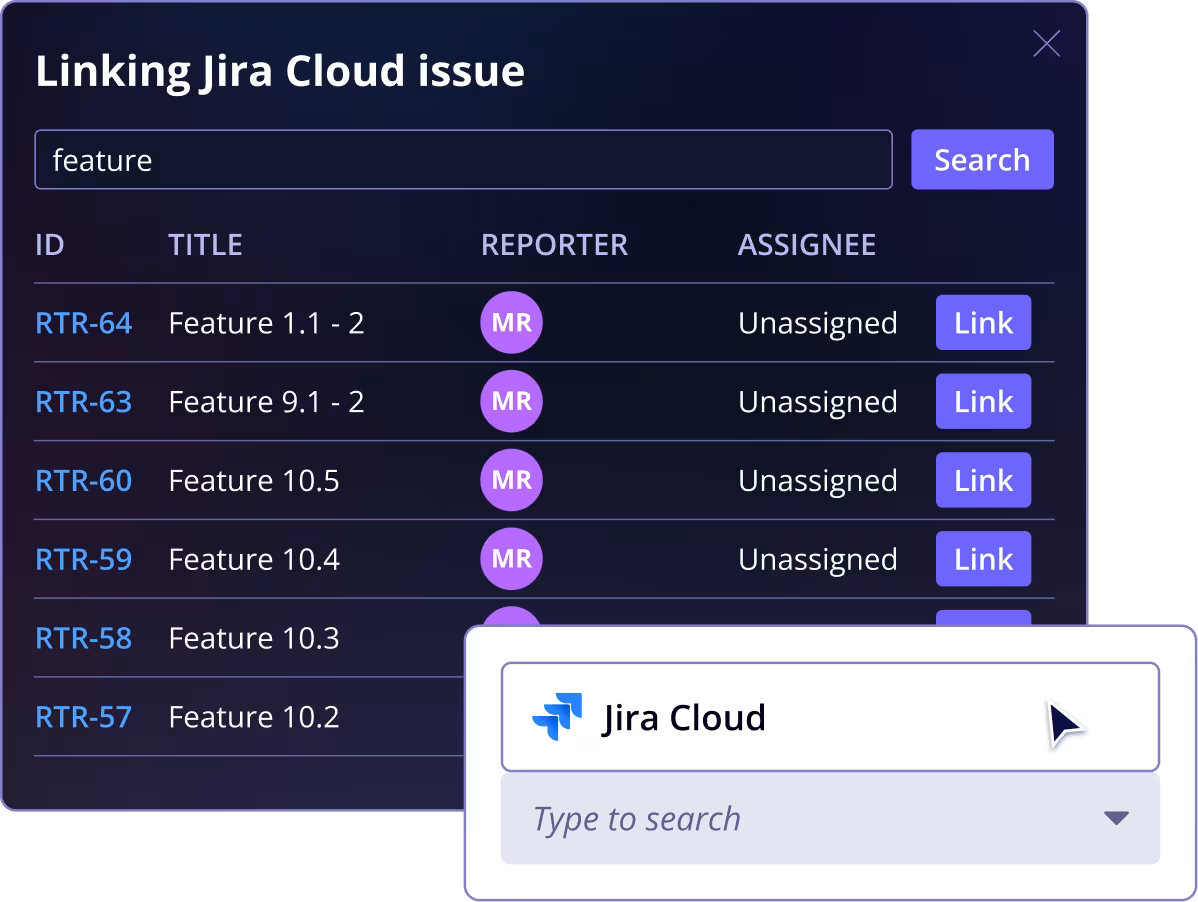
    Connect Jira issues with test cases, test runs, and defects from within Qase or directly inside Jira. Once linked, related data stays visible and traceable wherever you work. 
  • Automatic status synchronization
    Defects in Qase automatically reflect the status of their linked Jira issues, and vice versa, so teams avoid outdated information and manual coordination.
  • Flexible workflow mapping
    Map your unique Jira status transitions to corresponding Qase defect statuses to match your existing engineering processes. You can also choose to keep Qase defect statuses unchanged for specific transitions where needed.
  • Works with self-hosted environments
    Built for Jira Server and Jira Data Center, the plugin installs into your environment so testing and development can collaborate.
Qase Screenshot: Pytest code snippet

Frequently asked questions

Can I link from Qase to Jira Server/Data Center?
Arrow Pointing Down RightArrow pointing Up Right
Can I link from Jira to Qase artifacts?
Arrow Pointing Down RightArrow pointing Up Right
What happens when a linked issue’s status changes?
Arrow Pointing Down RightArrow pointing Up Right
Do I need separate admin privileges to install this?
Arrow Pointing Down RightArrow pointing Up Right
Can this support multiple Jira projects with unique workflows?
Arrow Pointing Down RightArrow pointing Up Right

“Defects automatically go into Jira, so our development teams don’t have to look at the test results or interact with Qase, the results simply integrate into their development workflow.”

Nicco Hagedorn, Head of Software QA
View case study

“Qase has revolutionized the way our team handles test management. This platform stands out with its intuitive interface, comprehensive features, and seamless integration capabilities.”

Valentin Abramenkov, QA Engineer
View case study

“Qase’s Jira integration has been transformative. It allows us to document and attach test scenarios or executions directly to Jira tickets, providing seamless visibility and communication between the testing and development teams.”

Alisa Demennikova, Director of QA
View case study

See Qase's Jira Server Integration

Software testing Leader (Winter 2025)High Performer (Enterprise - WInter 2025)Best support (Mid-Market - FALL 2024)Best Relationship (WINTER 2025)Best Usability (Winter 2025)Best Usability (Winter 2025)

Advance your QA testing in minutes, not months.

Start 14 Day Trial

No credit card required