Automation that's too hard to start
Setup, scripting, and tooling overhead stop teams from ever shipping their first automated test.
New from Qase: Tiden, intent verification for coding agents. Explore →
Start from a requirement, a prompt, or existing test cases. Leverage AI to generate, convert, and run automated tests in Qase, without extra tools, code, or setup.
QA teams who want more automation coverage, without turning quality into a new engineering project.
Setup, scripting, and tooling overhead stop teams from ever shipping their first automated test.
Slow setup and complex frameworks delay results and push automation off the roadmap.
Long execution times delay feedback and keep engineering waiting on QA results.
Minor product changes cascade into broken suites and constant test maintenance.
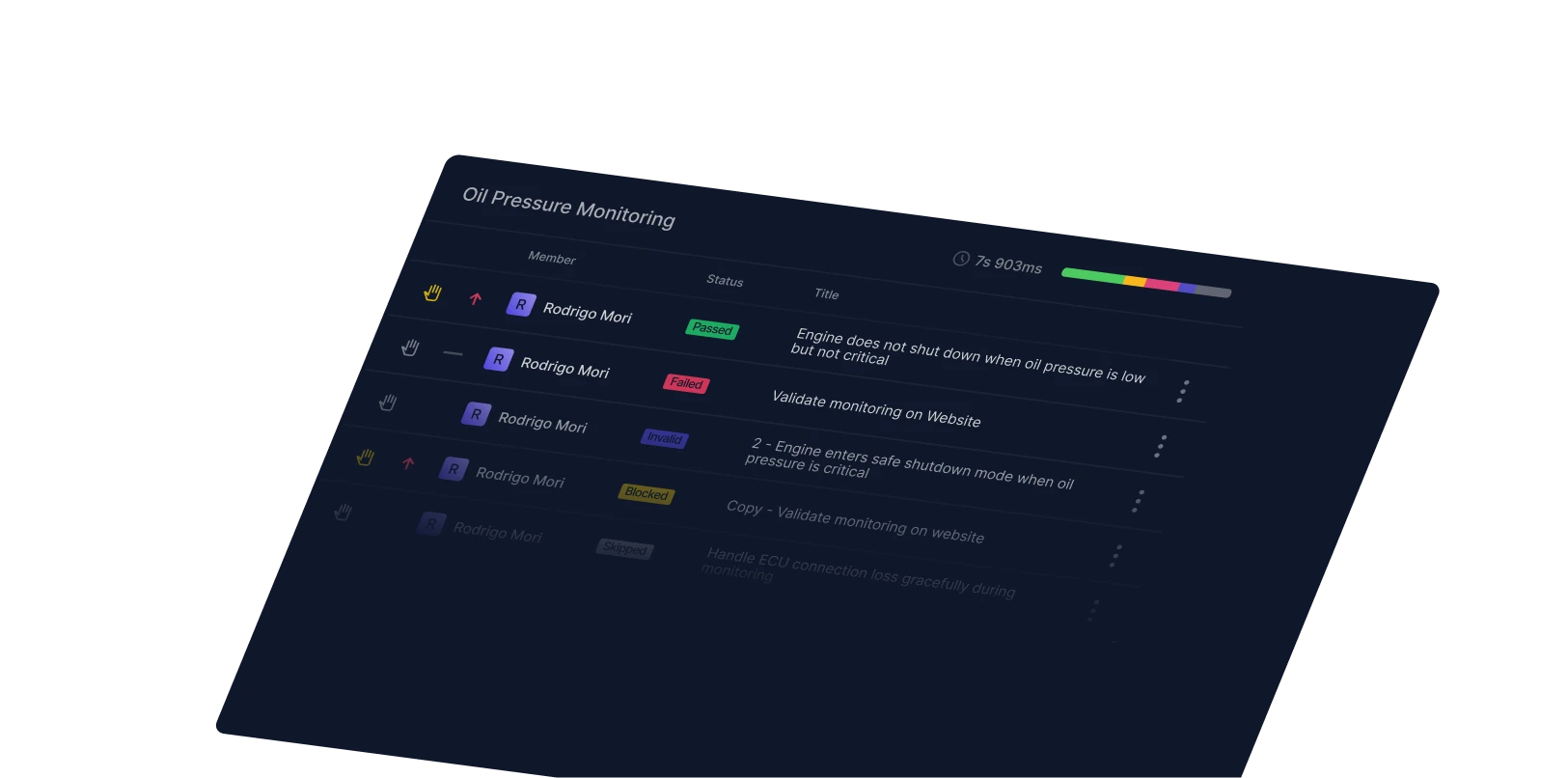
Scattered logs and unclear error messages make it slow to find why a test failed.
It's hard to tell what's automated, what's still manual, and where coverage gaps live.
Use AI to review your manual test cases in Qase and check which are ready for automation. It highlights missing data, unclear steps, or dependency issues, suggests small edits so conversion works on the first try, and tells you which ones to prioritize.
Auto-grades cases from easy to difficult to automate.
Surfaces missing data and ambiguous steps before conversion.
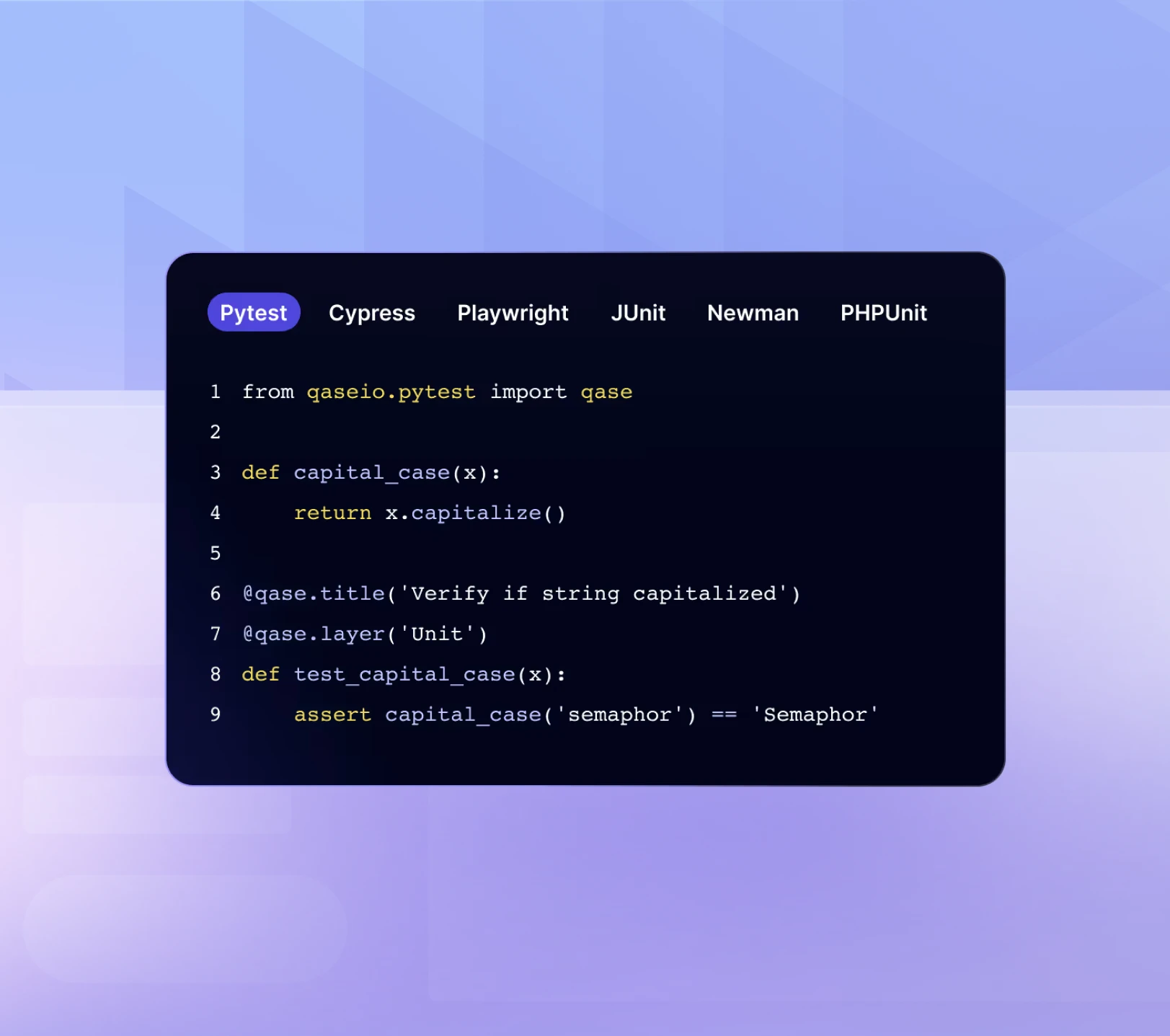
Turn any supported manual case in Qase into an automated test in one click. Qase builds the steps, identifies selectors, and prepares the data, then stores it in your automated repository ready to run securely on Qase-managed cloud infrastructure. No code or test infrastructure required.
One-click manual → automated conversion.
Generates API steps (cURL) alongside Canvas-based UI interactions.
Validates the visual layer and the underlying data in one flow.
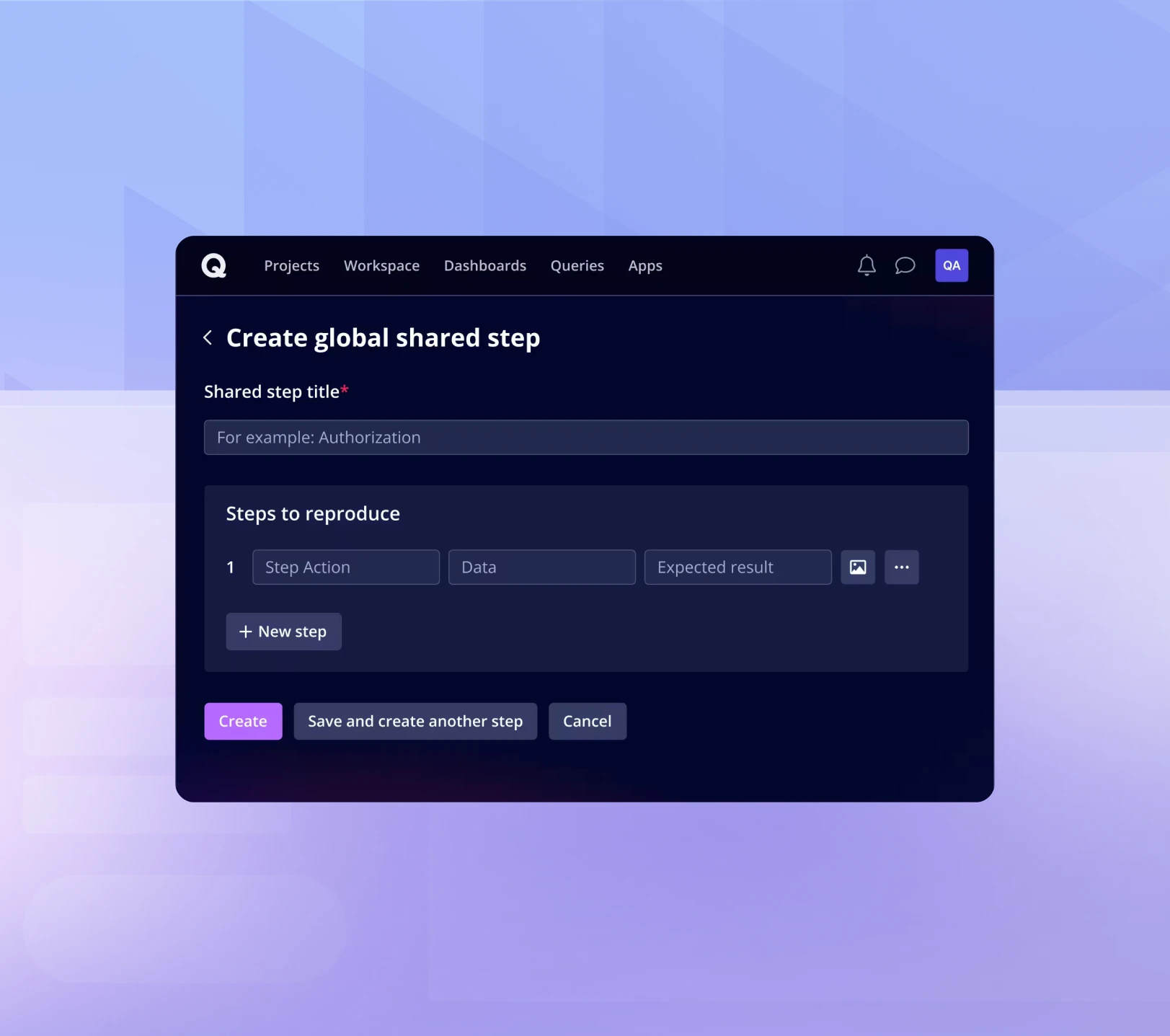
Start from a requirement in Jira, GitHub, or Qase, or paste plain text. Qase generates test cases and runs them once to confirm they pass before saving. Cover new features fast without waiting for automation experts.
Pull requirements directly from Jira, GitHub, or Qase.
Cases are validated by a real run before they're saved.
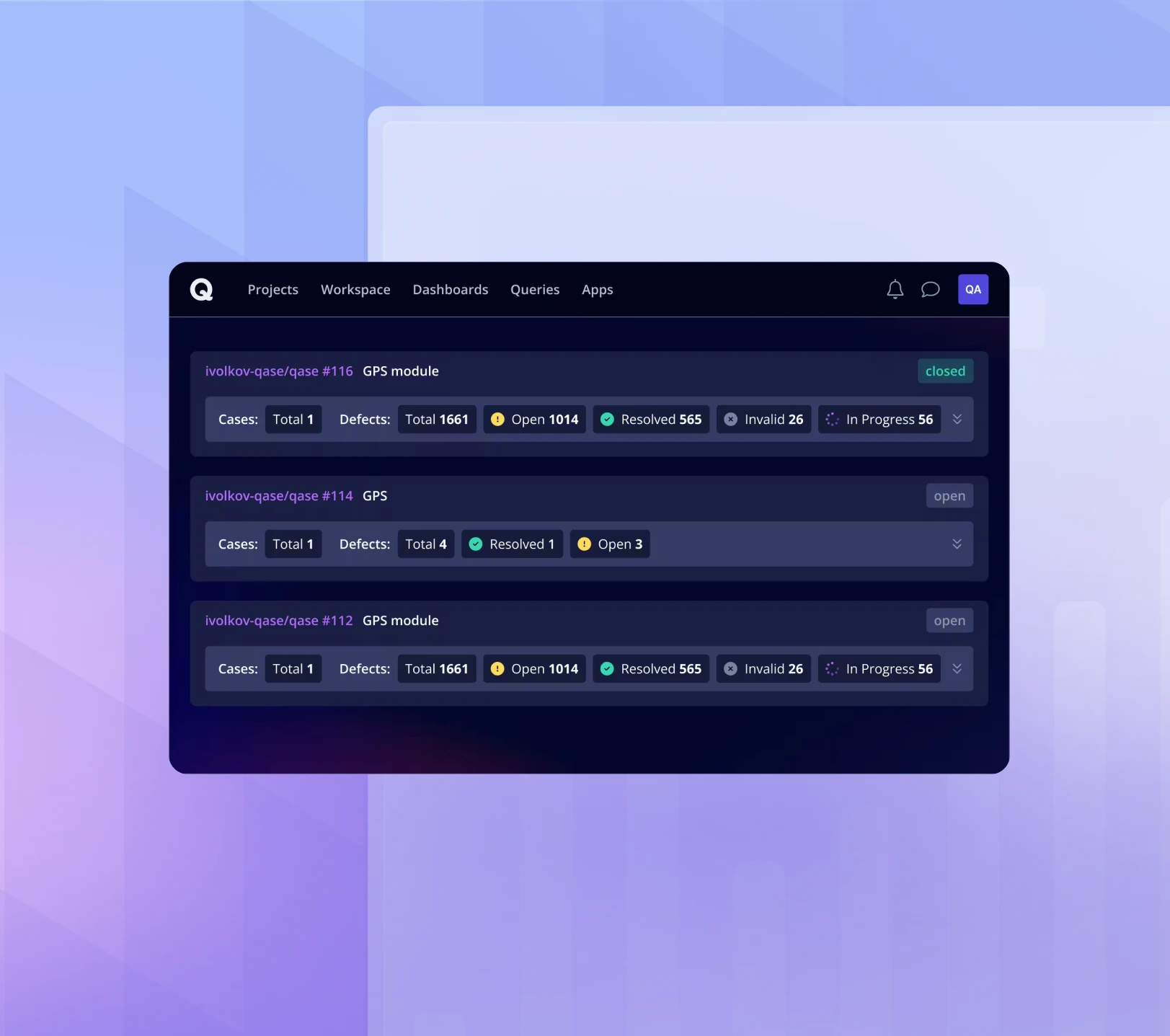
When a test fails, use AI in Qase to get a plain-language explanation and visual timeline of the steps. Logs, screenshots, and traces sit in one place so you can tell whether the problem is in the app, the test, or the environment. AI suggests fixes and self-healing keeps your suites running.
Plain-language failure summaries with visual timelines.
Self-healing tests adapt to small UI and selector changes.
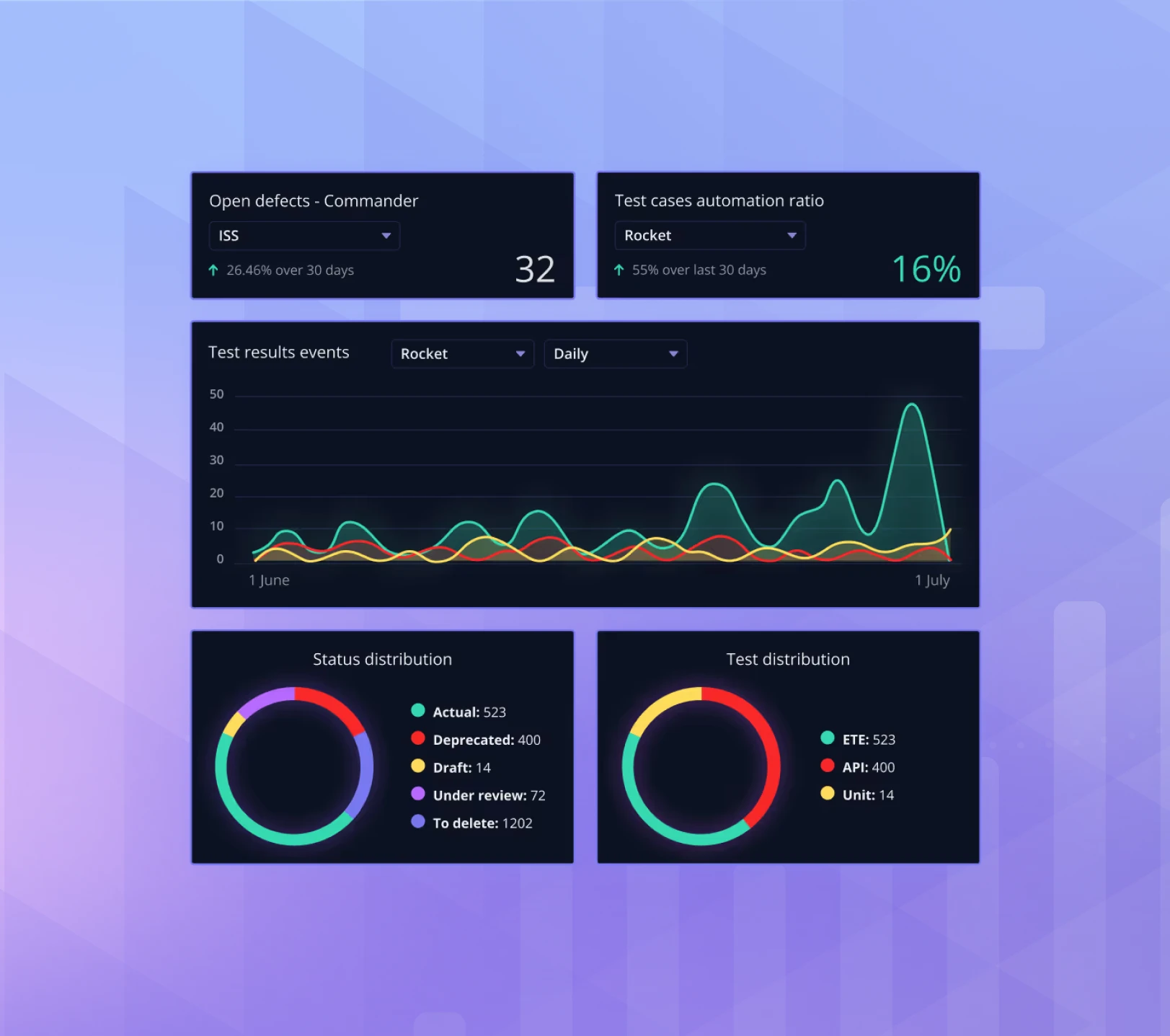
Each run includes a step-by-step screencast so you can see exactly what the AI did. Generated test cases are automatically marked so your team always knows which ones came from AI. When you want full control, export all generated code for further analysis or manipulation in your own tools.
Screencast of every Qase run.
Export to Playwright, Cypress, or Selenium in Python, JS, or TS.
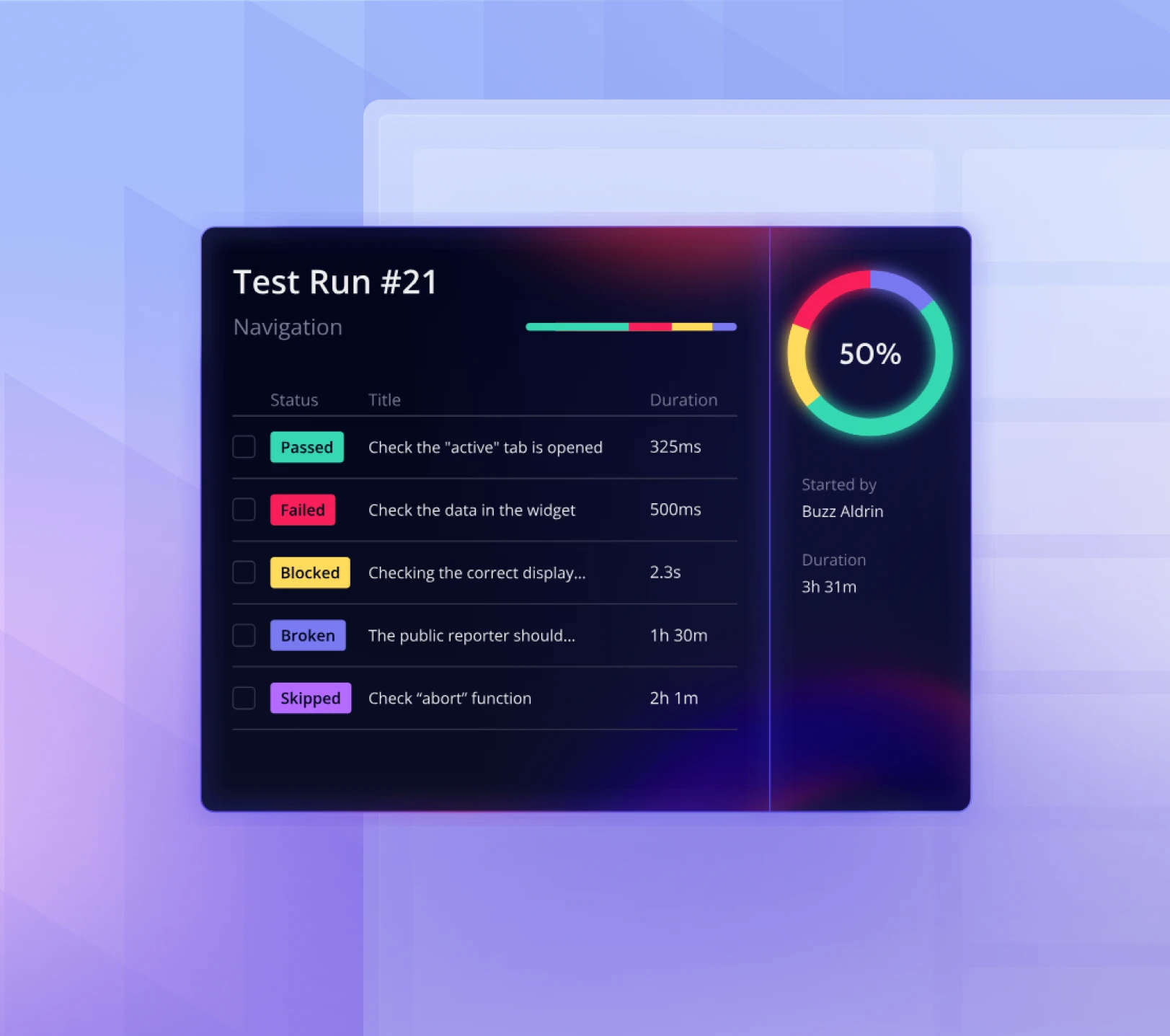
Automation, execution, and insights in one place, so QA teams can move faster with more confidence.
Take the wheel or let AI drive. Guide the flow while AI handles actions, data, and selectors in always-ready browser sessions, or hand off mid-run and step back in when you want to.
Convert manual cases, including complex user journeys, into automated flows that execute instantly inside Qase. Switch into human-in-the-loop mode mid-run to take over.
Run tests on Qase-managed cloud infrastructure or extend into your existing ecosystem. Export to Playwright, Selenium, or Cypress and continue runs in your own CI or test cloud.
Choose between monthly & annual plans. All of our paid plans come with AI credits.
$0/user
Per user/month, free forever
For students, hobbyists, educators, and non-profits to learn the basics of a TMS.
What's included:
$35/user
Per user/month annually ($42 billed monthly)
Powerful test orchestration and advanced features.
Everything in Free, plus:
Let's talk
Custom pricing for your team
Enterprise level security, customizations, and support.
Everything in Teams, plus:
Trial our Teams Plan for 14 days with no obligation or credit card. *AI credits are granted every month and can be used for generating test cases, converting manual test cases to autotests and similar AI actions. Credits do not roll over to the next month. Extra credits are charged at $0.40 per credit.