Integration
A better GitHub integration for test management
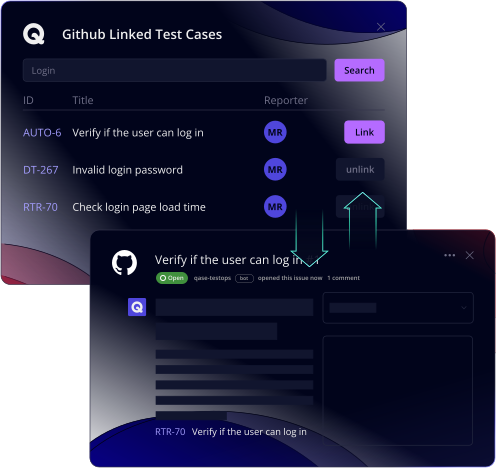
Bring QA teams and dev teams closer with Qase's bi-lateral, real-time GitHub integration.

Bring QA teams and dev teams closer with Qase's bi-lateral, real-time GitHub integration.


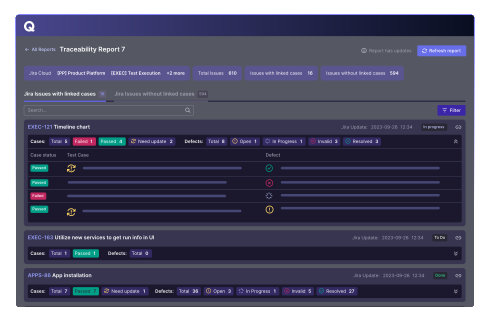
Qase and GitHub keep issues and test results in sync so QA and development stay on the same page as code moves through the pipeline. This helps teams spot problems earlier and ship faster.No more copying data back and forth. Defects raised in Qase can create or update GitHub issues automatically, and test outcomes flow back into your repositories. When you want to check coverage, you can generate a traceability report in Qase to see how tests connect to tracked issues.
Improving QA Jira workflow and shifting left is easy with our Github Requirements Traceability Report.
See requirements updates in real time
Identify the status for each requirement
Download or share with a full or read-only seat