Run Automated Tests with Jenkins from Qase
Start Jenkins pipelines directly from Qase and connect automated results back to your test runs for end-to-end QA visibility.

Trusted by industry-leading companies





.png)

Bring CI/CD and Manual QA Together
Qase’s Jenkins integration lets teams orchestrate automated test execution without context-switching. Trigger Jenkins jobs from within Qase, observe pipeline progress and results alongside manual test runs, and capture automated outcomes back into your QA workflows, keeping the full picture in one place.
What the Jenkins Integration Delivers
 Trigger Jenkins jobs from Qase
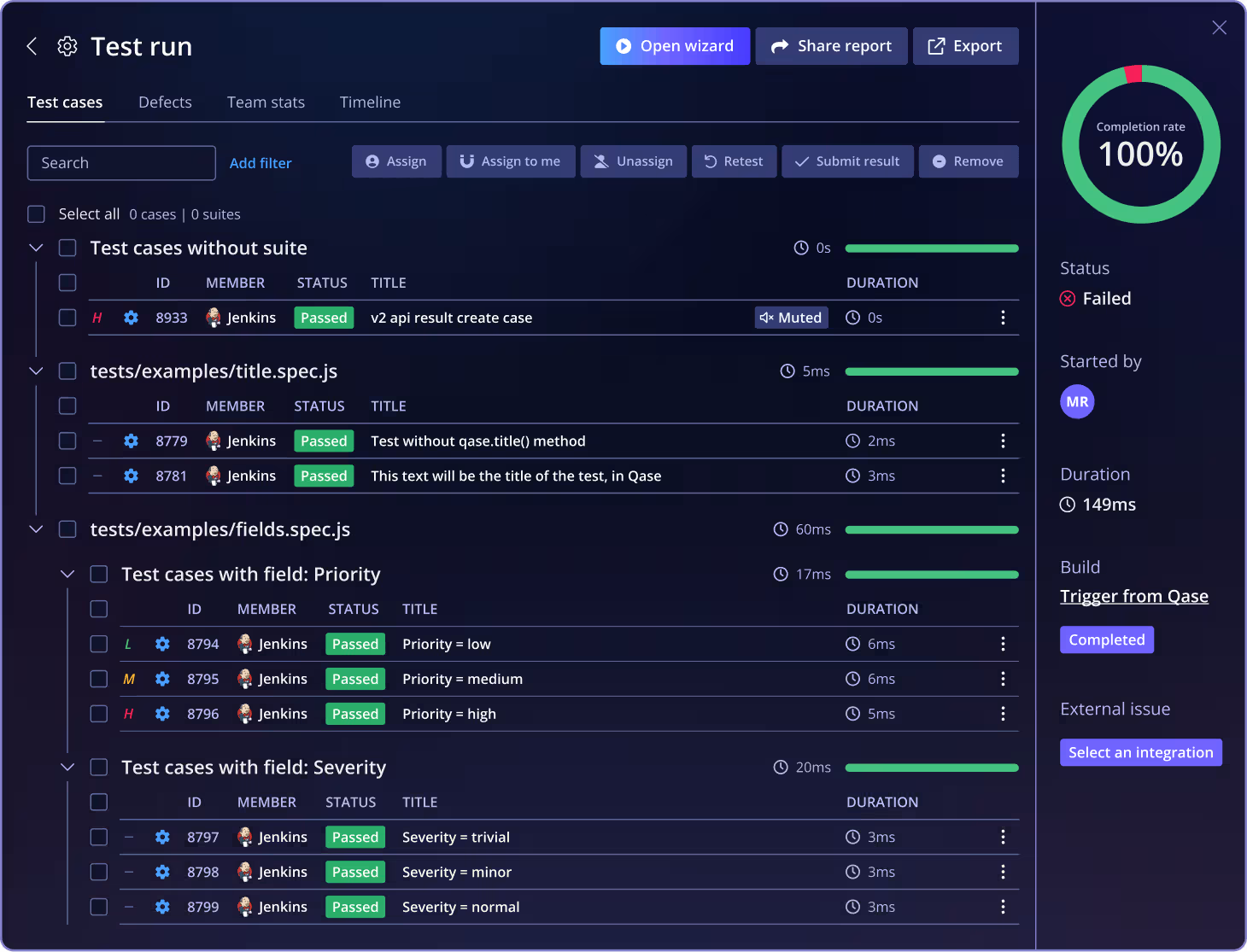
Start automated test pipelines right from the Qase Test Runs page. Select Jenkins as your CI system, choose the job you want to run, and execute without leaving Qase.- See CI status in your QA flow
Observe Jenkins pipeline status and results directly in Qase. This gives you immediate feedback on automated test outcomes alongside manual run data, reducing cycles and improving visibility. - Easy reporter integration
Integrate with Qase reporters in your Jenkins jobs to automatically link automated results back to the correct test run in Qase. Environment variables for project code, run ID, and reports can be wired into your pipeline so results flow back automatically. - Works with standard Jenkins setups
Whether you use traditional freestyle jobs or modern pipeline syntax, the integration supports creating parameterized builds that publish results to Qase for unified test reporting.
See Qase's Jenkins CI Integration
Frequently asked questions
Can I start a Jenkins pipeline from inside Qase?


Can Qase track pipeline progress and outcomes?
How do automated results get back into Qase?
Do I need anything special in Jenkins to use this?
Does it work with pipeline workflows?