Connect Linear & Qase for Better Test Management Visibility
Link test cases, test runs, and defects with Linear issues to align testing and development workflows and improve traceability.

Trusted by industry-leading companies





.png)

Align issue tracking with quality workflows
Qase’s Linear integration brings your test management and issue tracking together so teams stay coordinated without switching context. Link Qase artifacts to Linear issues, create issues from failed tests, and automatically sync statuses so teams always see the right information in both tools.
What You Can Do with Linear + Qase
 Link test artifacts to Linear issues
Associate Linear issues with test cases, test runs, and defects in Qase so testing and engineering share a single source of truth for quality work.- Create Linear issues directly from QA
When a test run reveals a defect, create a corresponding Linear issue right from Qase. This keeps issue creation contextual and fast. - Automatic status synchronization
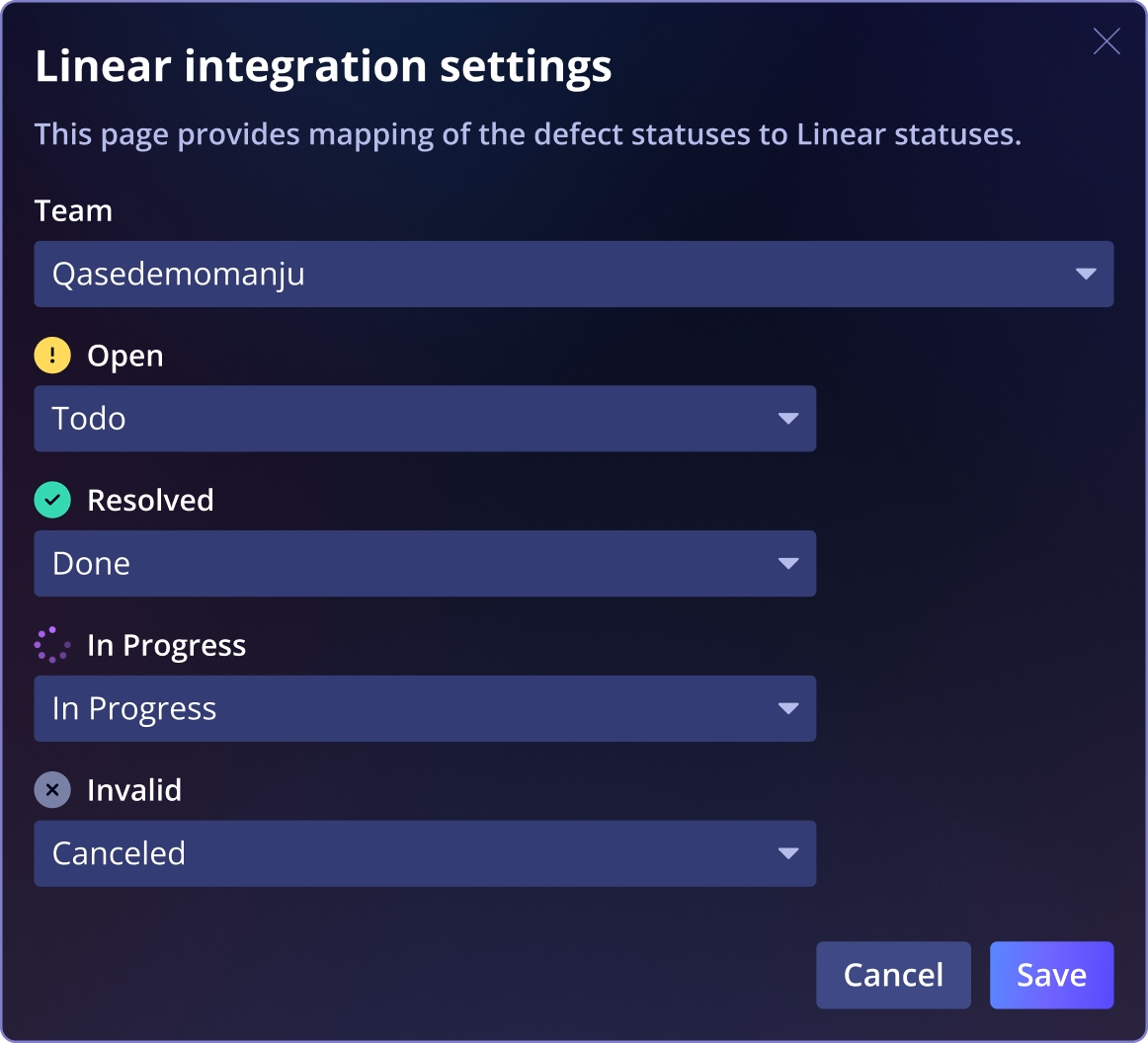
Mapped status updates flow between Linear and Qase, so when an issue changes in one system, the linked artifact in the other reflects the update automatically. - Customize status workflows per team
Map Qase defect states (like Open, In-progress, Resolved) to corresponding Linear issue states and tailor mappings for each team’s workflow.
See Qase's Github CI Integration
Frequently asked questions
Can I link Linear issues to test cases and test runs?


Can I create a Linear issue when a test fails?
Will statuses stay synchronized between Linear and Qase?
Can I customize how statuses map between Qase and Linear?
What do I need to connect Linear to Qase?