Link Qase Testing to Trello Boards
Connect test cases, test runs, and defects in Qase with Trello cards so Test Management and teams using Trello stay aligned.

Trusted by industry-leading companies





.png)

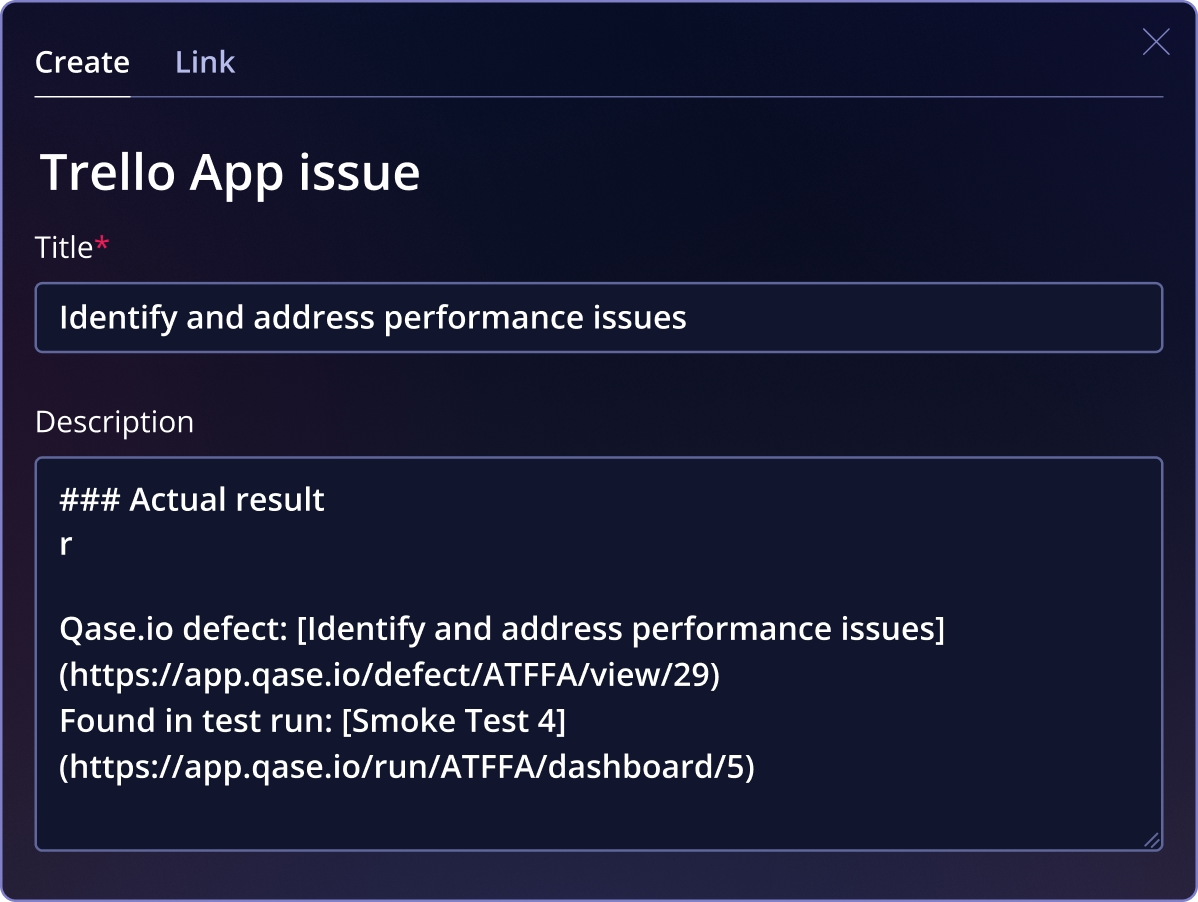
Keep measurement and work tracking connected
The Qase-Trello integration lets you attach test artifacts to Trello issues and create a new Trello issue when a defect is filed during a test run. This reduces context switching and brings QA outcomes into your team’s Trello workflow.
What You Can Do with Trello + Qase
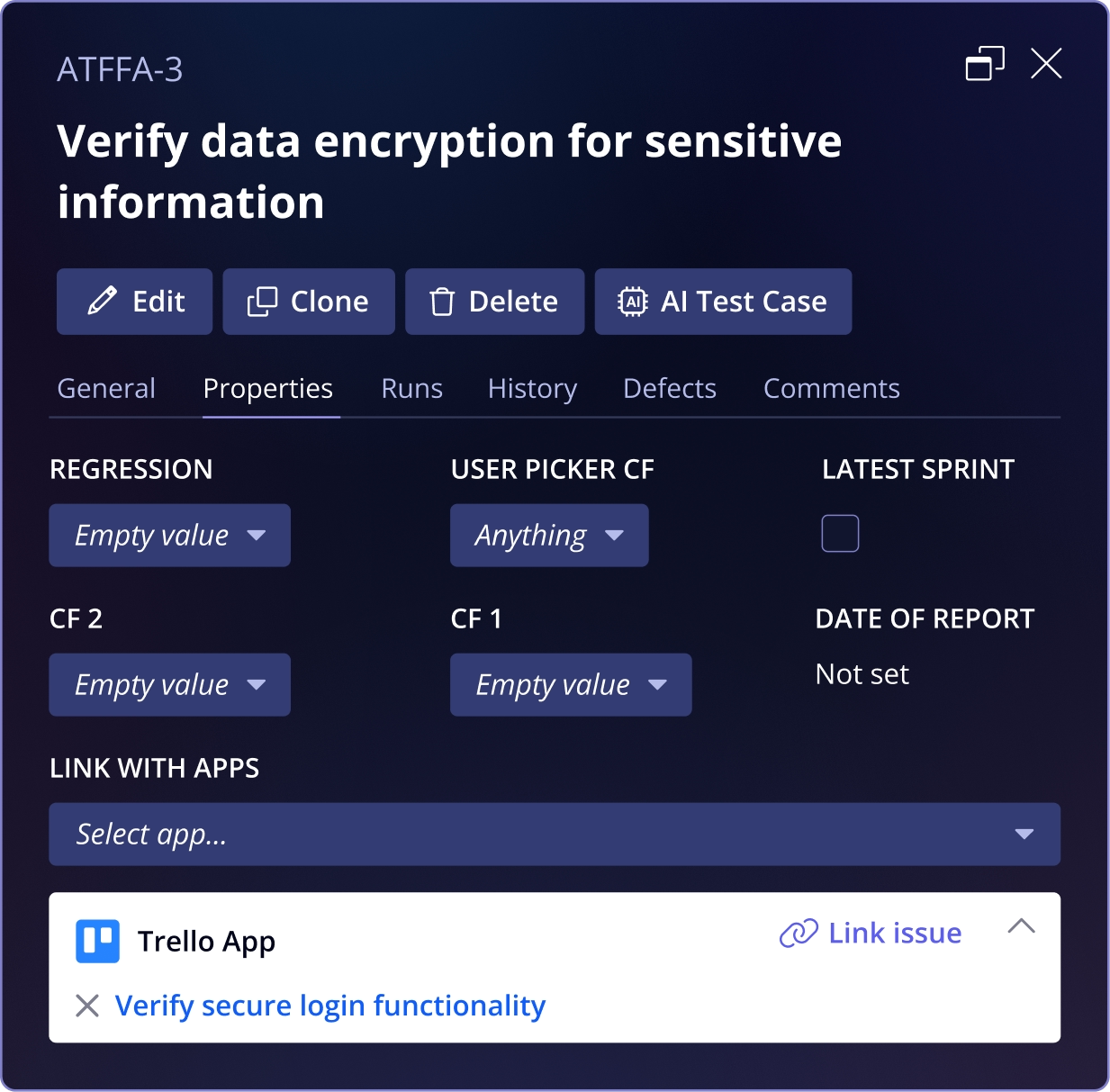
 Connect testing artifacts to Trello workLink Qase test cases, test runs, and defects to Trello cards so quality information is visible alongside the work your team is already tracking.
- Turn test failures into Trello issues instantlyWhen a defect is identified during a test run, create or associate a Trello card right away, ensuring issues enter the team’s workflow without delays or extra coordination.
- Keep QA and delivery teams alignedBy connecting defects and test results directly to Trello, everyone involved shares the same context around quality, progress, and outstanding issues.
- Maintain simple, flexible traceabilityAll links between Qase and Trello are easy to manage and update, giving teams clear visibility without adding automation or complexity that isn’t needed.
See Qase's Github CI Integration
Frequently asked questions
Can I link a Trello issue to a Qase test case?


Can I attach a Trello card to a test run?
Can I link defects to Trello cards?
Can I create a Trello card when filing a defect?
Does the integration sync anything automatically?